
 Desktop
 Online

 Free Download
 Online
 Desktop
Free Passport Photo Maker
Passport, Visa & ID Photos in Seconds
 Generating
This may take a few minutes.
How to Make Passport Photos at Home
Using Vidmud Free ID Photo Maker?
How to Make Passport Photos
at Home Using Vidmud Free ID Photo Maker?
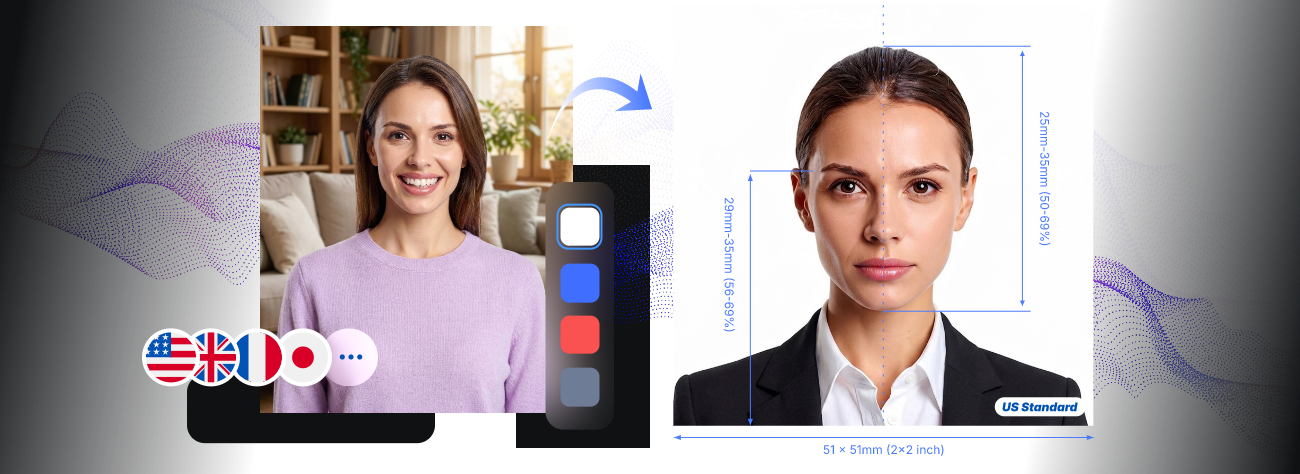
With no technical or cost barriers, you can easily make official passport photos, visa photos, driving license pictures, and other common ID photos, tailored to the standards of different nations, the EU, the ICAO, or specific administrative departments.
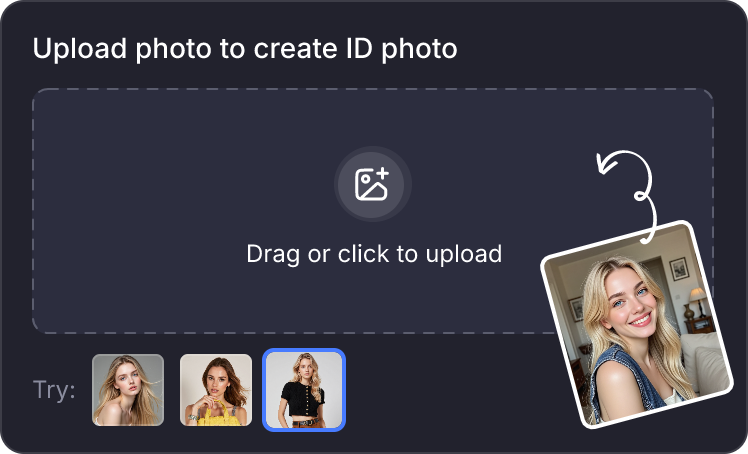
Step 1. Upload a Proper Photo
Upload your recent frontal selfie or single photo that is well-lit. There are no special requirements for outfit, background, hairstyle, or shoot angles.
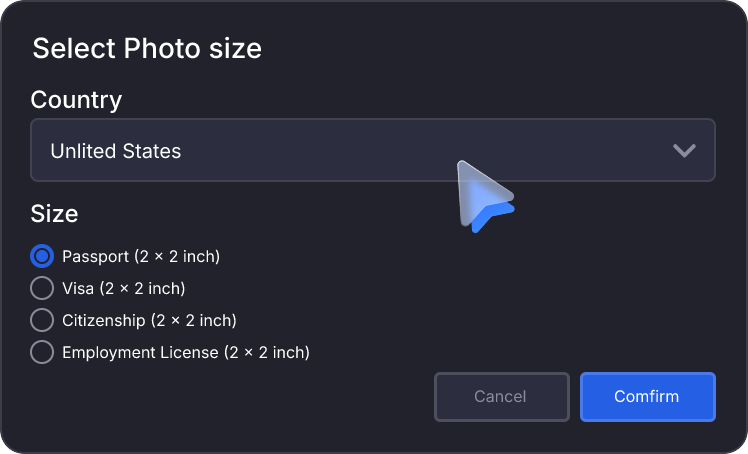
Step 2. Select Country & Photo Size
Select your country and then the right size for a passport or other ID photos, making sure they meet the standards and purposes.
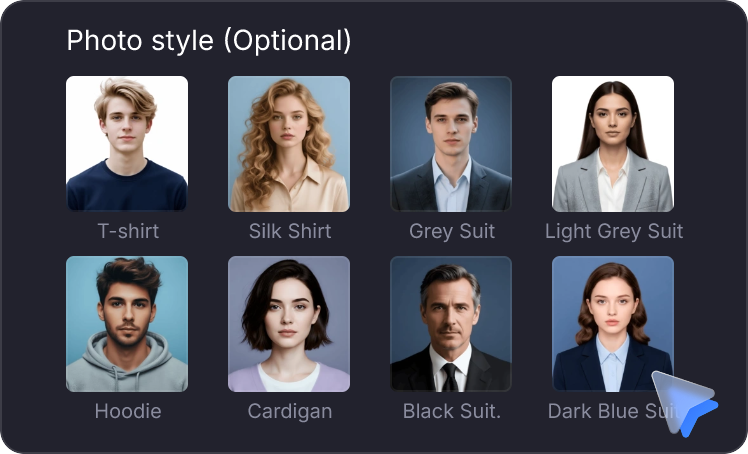
Step 3. Customize Dressing Style
This is optional. If you want to change your clothes to a formal suit, leisure shirt, etc., Vidmud AI free ID photo maker has instant virtual try-ons.
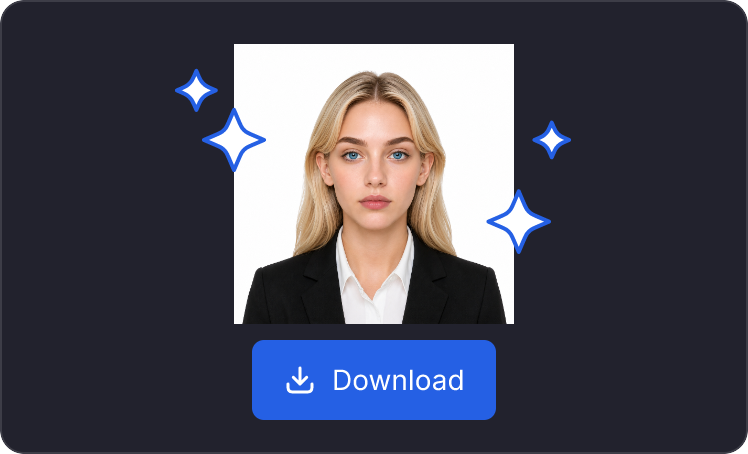
Step 4. Output Watermark-Free Photos
Review the result for clarity and correct framing. Download the compliant passport-sized photo for online applications or printing, without watermarks or hidden fees.
Step 1. Upload a Proper Photo
Upload your recent frontal selfie or single photo that is well-lit. There are no special requirements for outfit, background, hairstyle, or shoot angles.
Step 2. Select Country & Photo Size
Select your country and then the right size for a passport or other ID photos, making sure they meet the standards and purposes.
Step 3. Customize Dressing Style
This is optional. If you want to change your clothes to a formal suit, leisure shirt, etc., Vidmud AI free ID photo maker has instant virtual try-ons.
Step 4. Output Watermark-Free Photos
Review the result for clarity and correct framing. Download the compliant passport-sized photo for online applications or printing, without watermarks or hidden fees.
Why Vidmud's Passport Photo Maker Works for You?

Safe
Your photo is sent securely to our servers for processing only—it is deleted automatically once your ID photo is ready. We never store, share, or use your images for any purpose beyond generating your photo.

Easy
Forget perfect lighting, the right background, or a clean outfit. Vidmud AI free passport-sized photo maker handles everything automatically.

Fast
From upload to download in under 60 seconds. Vidmud AI passport photo generator streamlines the one-by-one operation and confirmation process, so you get an official passport photo instantly.

Professional
This free AI passport photo maker supports multiple languages and meets passport photo standards for 10+ countries, including the US, UK, Canada, and EU. It is accessible on any device and provides high-resolution exports for printing or digital submission.

Free
No sign-up, no ads, no watermarks, and never a charge—just free daily use with a generous daily limit, no subscription required.
Safe
Your photo is sent securely to our servers for processing only—it is deleted automatically once your ID photo is ready. We never store, share, or use your images for any purpose beyond generating your photo.
Easy
Forget perfect lighting, the right background, or a clean outfit. Vidmud AI free passport-sized photo maker handles everything automatically.
Fast
From upload to download in under 60 seconds. Vidmud AI passport photo generator streamlines the one-by-one operation and confirmation process, so you get an official passport photo instantly.
Professional
This free AI passport photo maker supports multiple languages and meets passport photo standards for 10+ countries, including the US, UK, Canada, and EU. It is accessible on any device and provides high-resolution exports for printing or digital submission.
Free
No sign-up, no ads, no watermarks, and never a charge—just free daily use with a generous daily limit, no subscription required.

Every Feature You Need to Make Passport, Visa & ID Photos at Home
Auto Crop
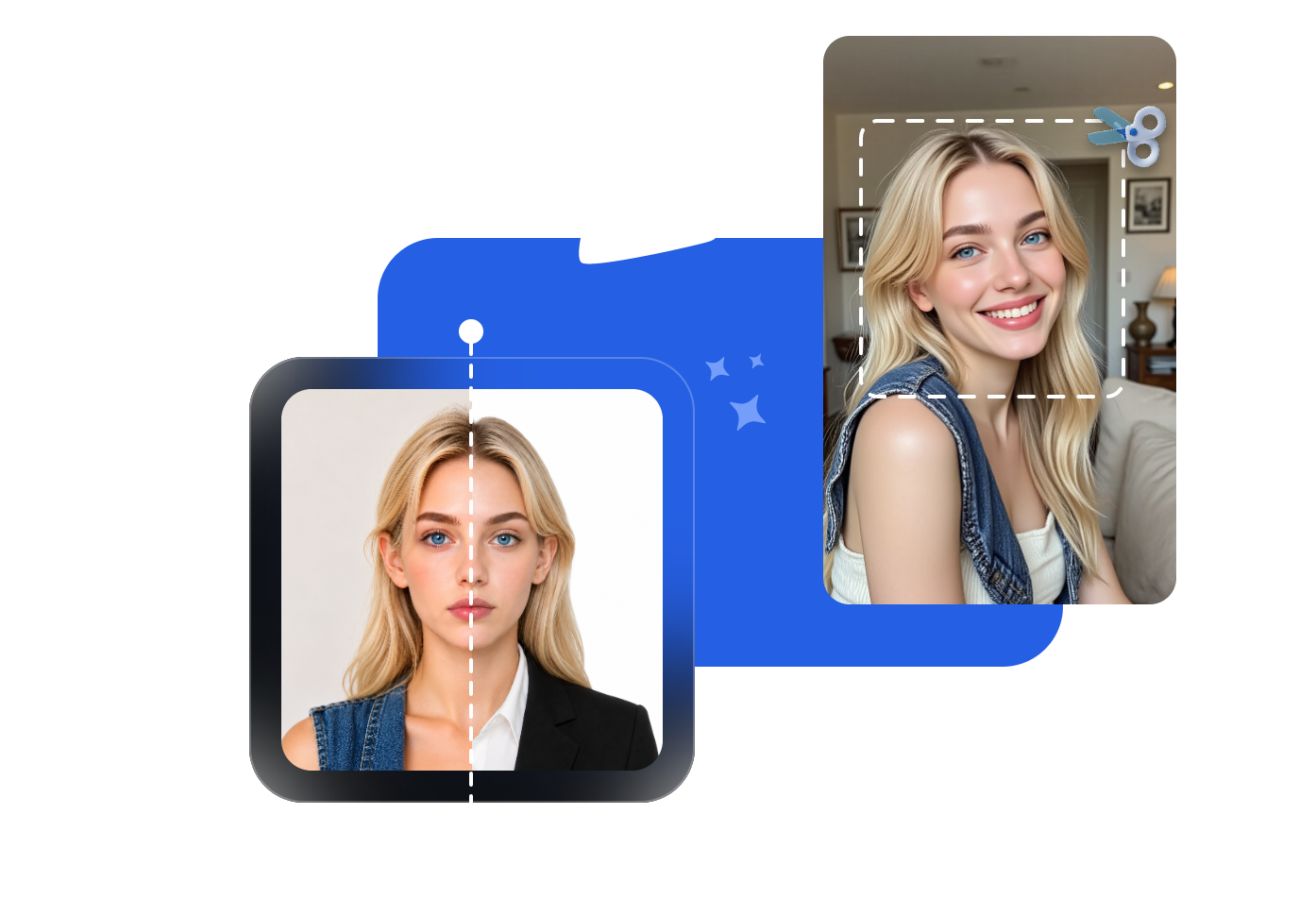
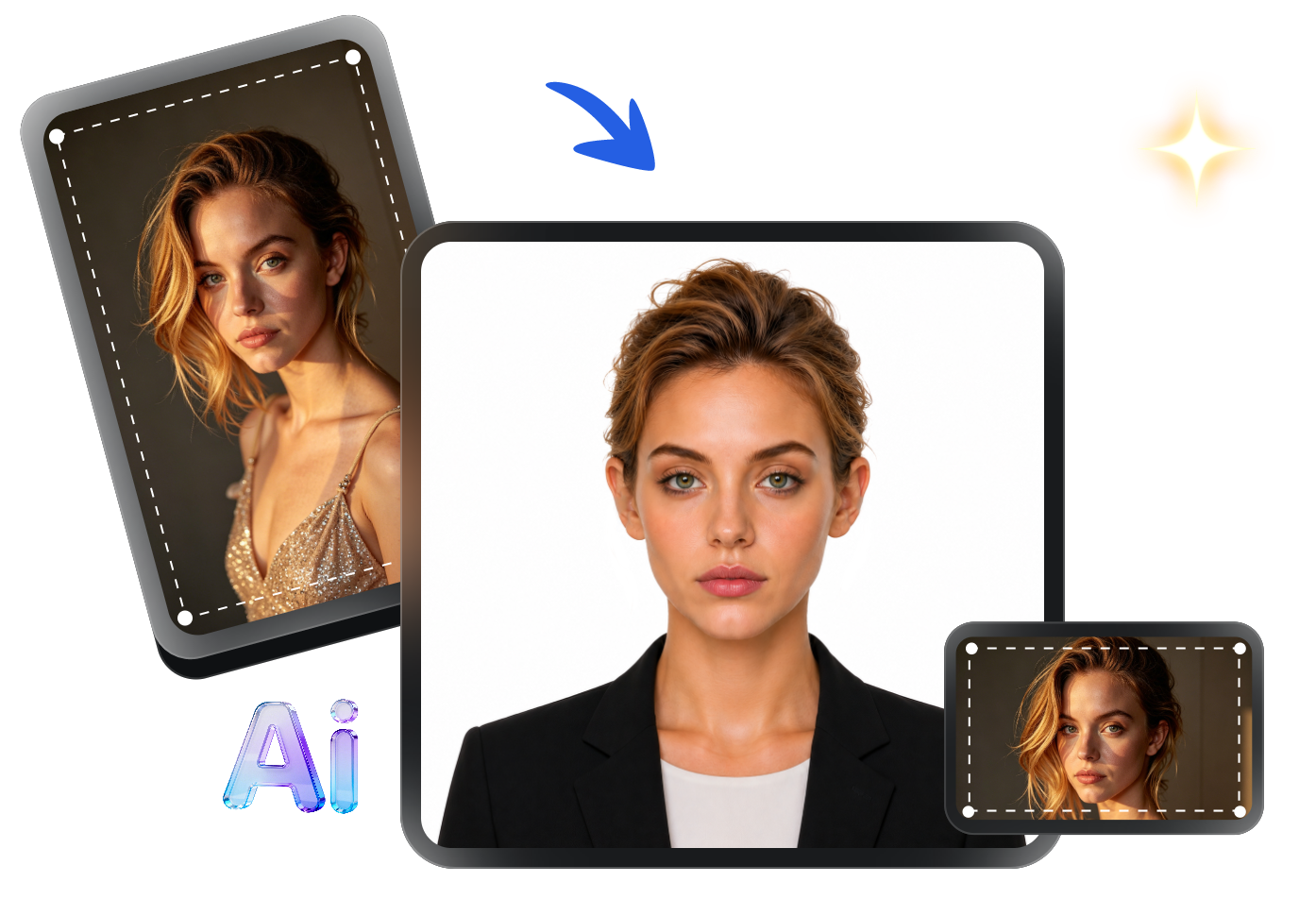
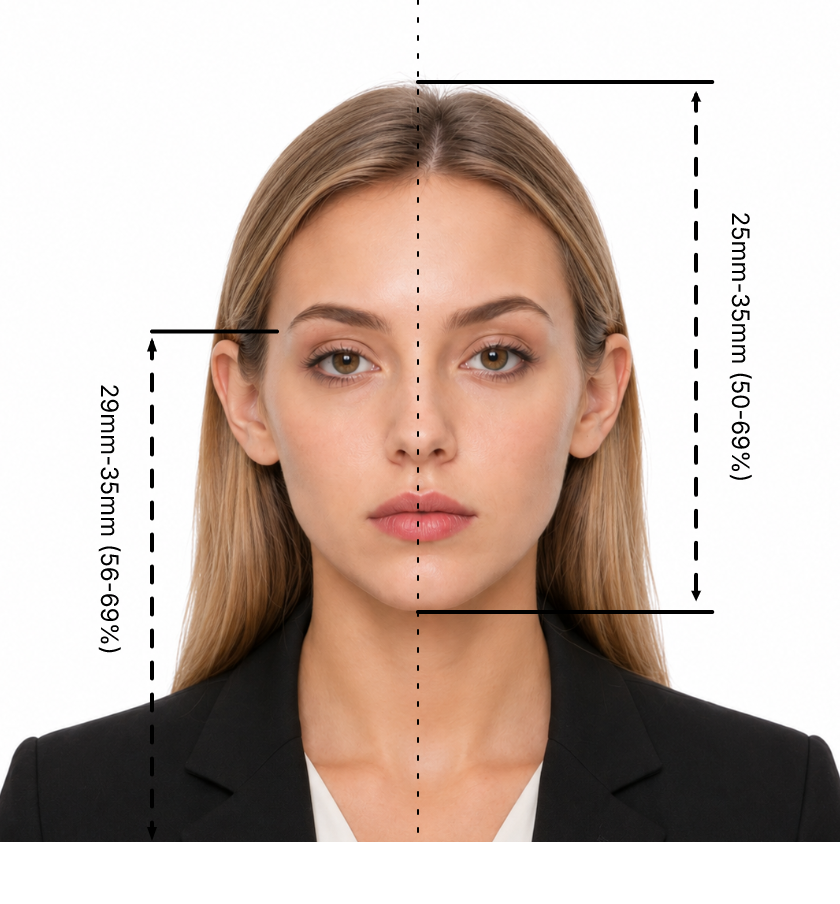
Stop worrying about framing. Whether you upload a casual selfie, a portrait shot, or even crop yourself out of a group photo, Vidmud AI free ID photo maker can easily transform it into a perfect passport photo. It will make your head centered and meet the required size, e.g., ensuring your head is 25-35 mm in a 51 x 51 mm US passport photo. Also, it corrects tilted angles or uneven posture considerately.
Standard Resize
No matter what aspect ratio your original photo is—1:1, 4:3, 16:9, or anything else—this free passport photo generator tool provides official passport size standards for different countries and usages. You can directly select the right ID photo size, and AI will resize it without manual work.
Recolor Background
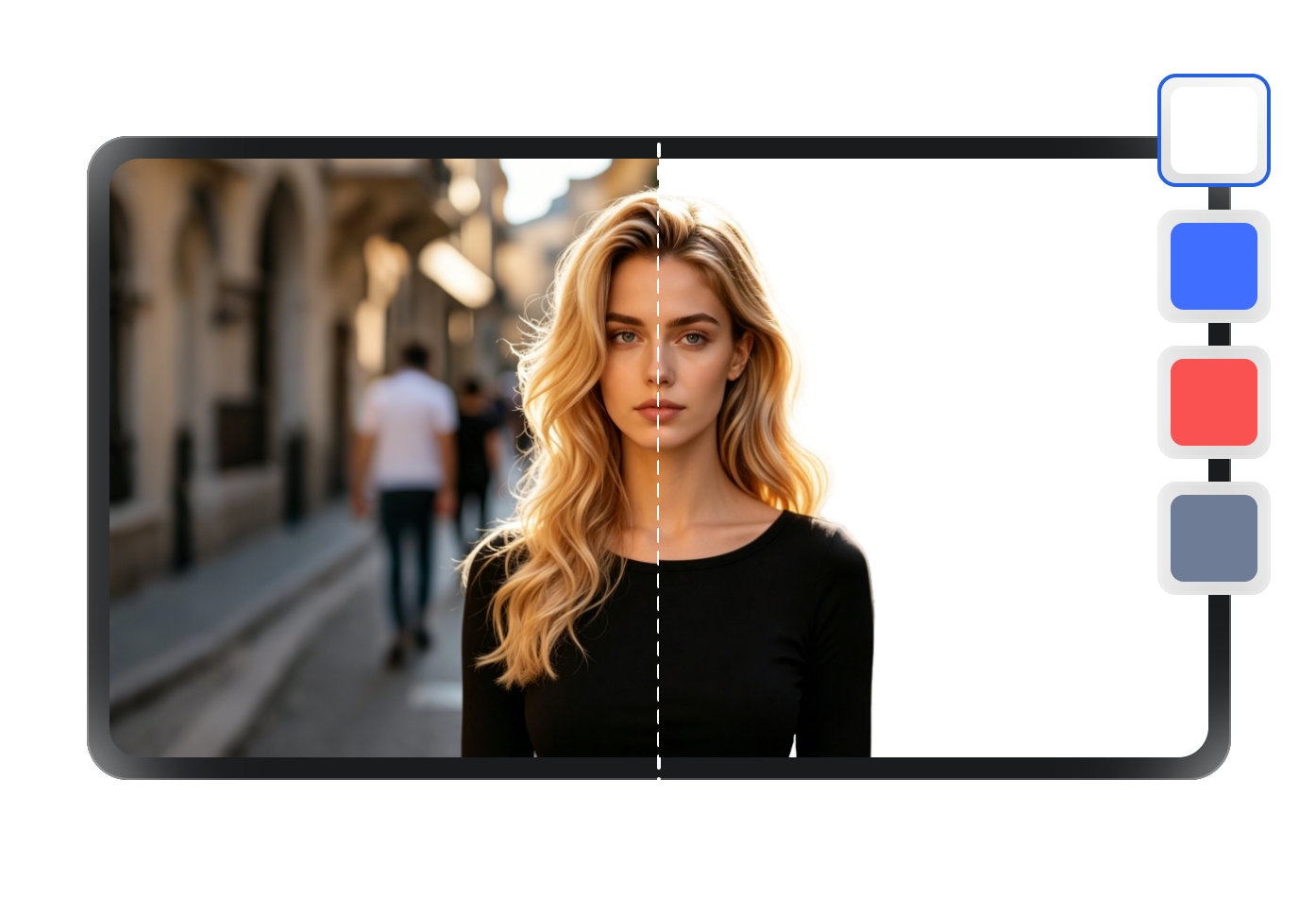
One click to clean the passport photo background by swapping any distracting, cluttered, and busy background into a solid color, like stark white for passport photos and plain blue, red, and gray for other ID photos.
Adjust Lighting
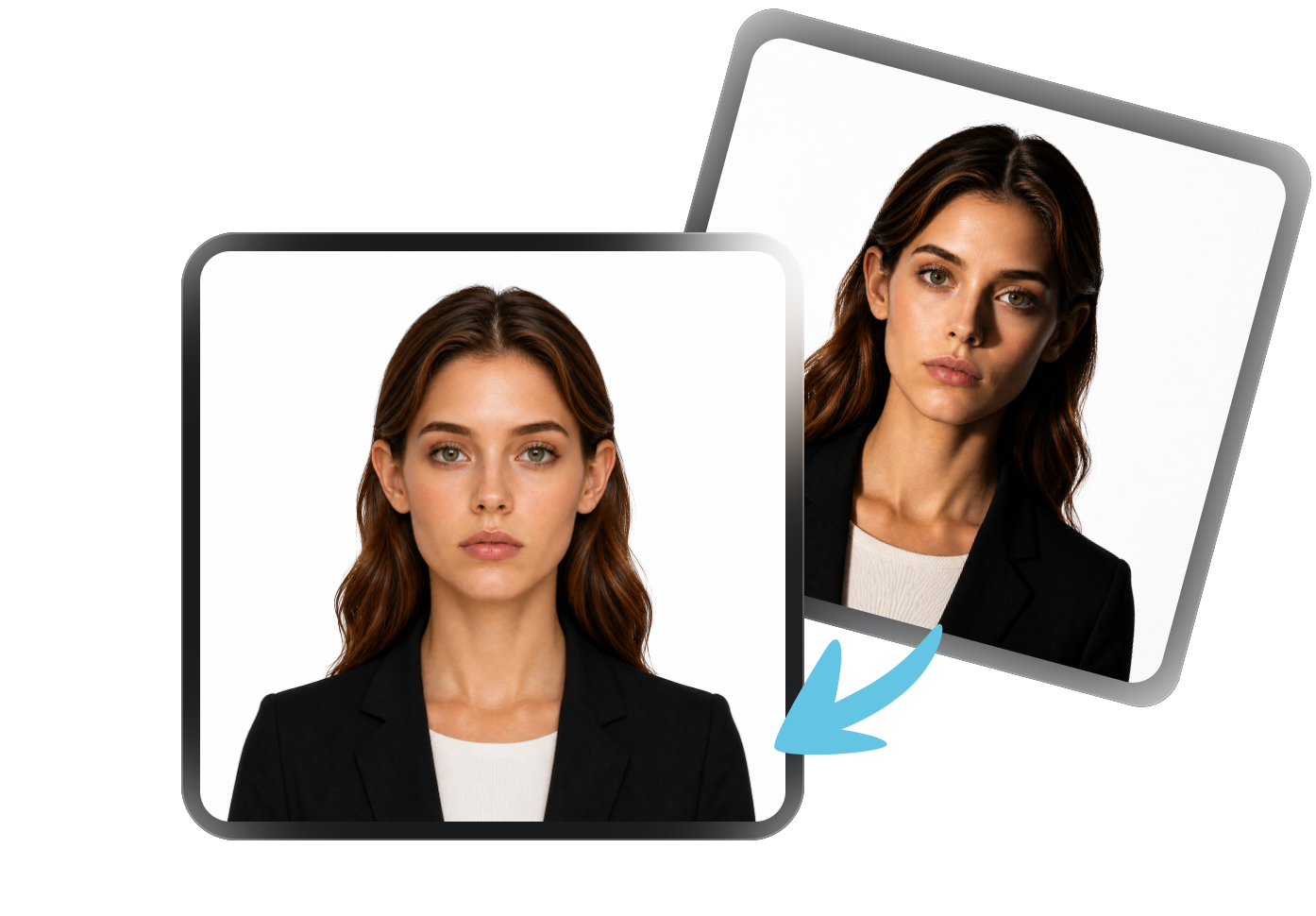
Backlit? Shadowy? Overexposed? No problem. Vidmud AI free passport-sized photo maker has preset text prompts that will auto-correct uneven lighting, harsh shadows, and glare, transforming any poorly lit photo into one that looks like it was taken under professional studio lighting.
Naturalize Hairstyle
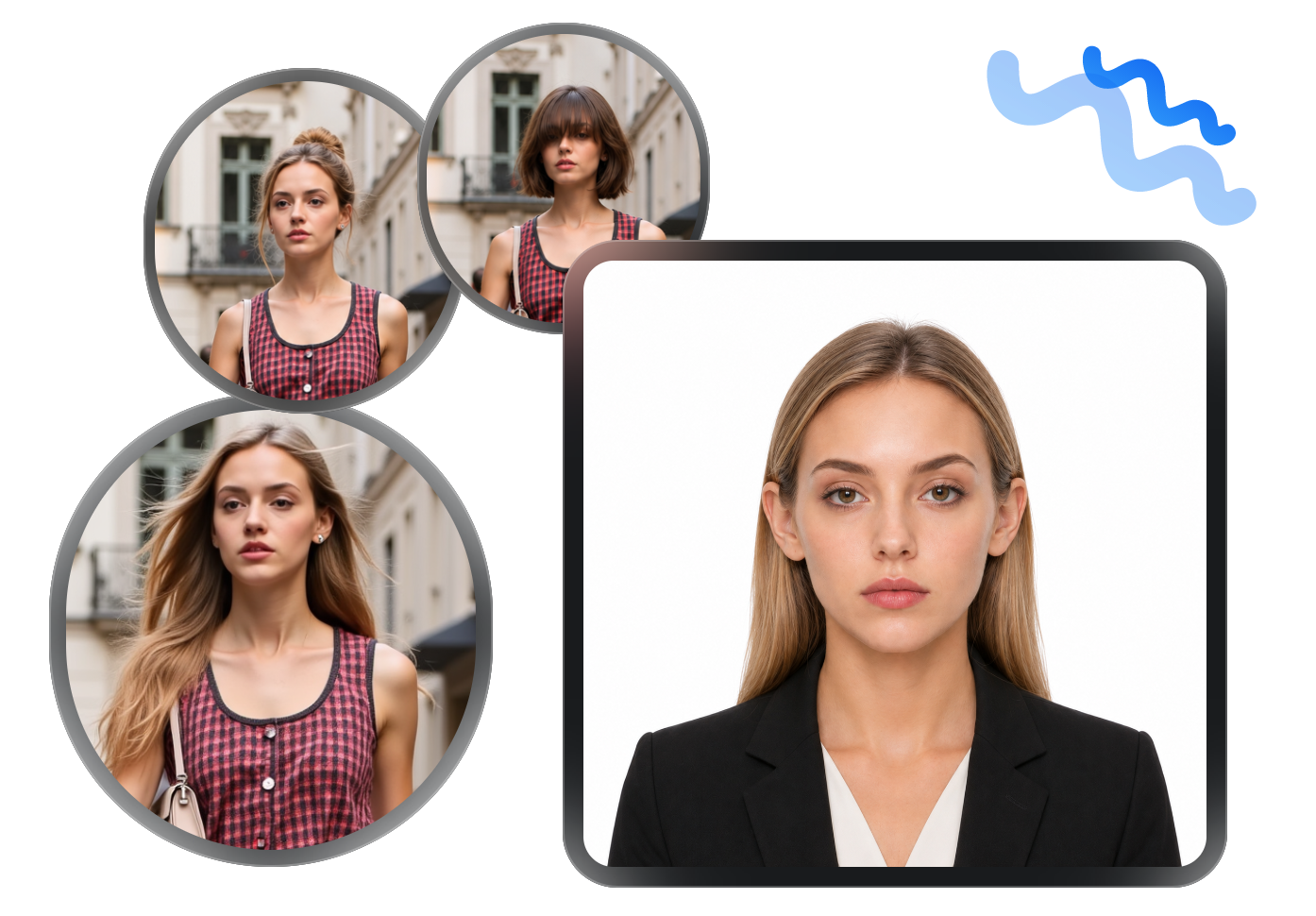
Flyaways, frizz, and messy hair never damage your perfect ID photo, as long as you fix it with Vidmud free ID photo maker. It smooths and tames your hairstyle into a neat and natural look, with no cut-outs, no reshoots, and no bad hair.
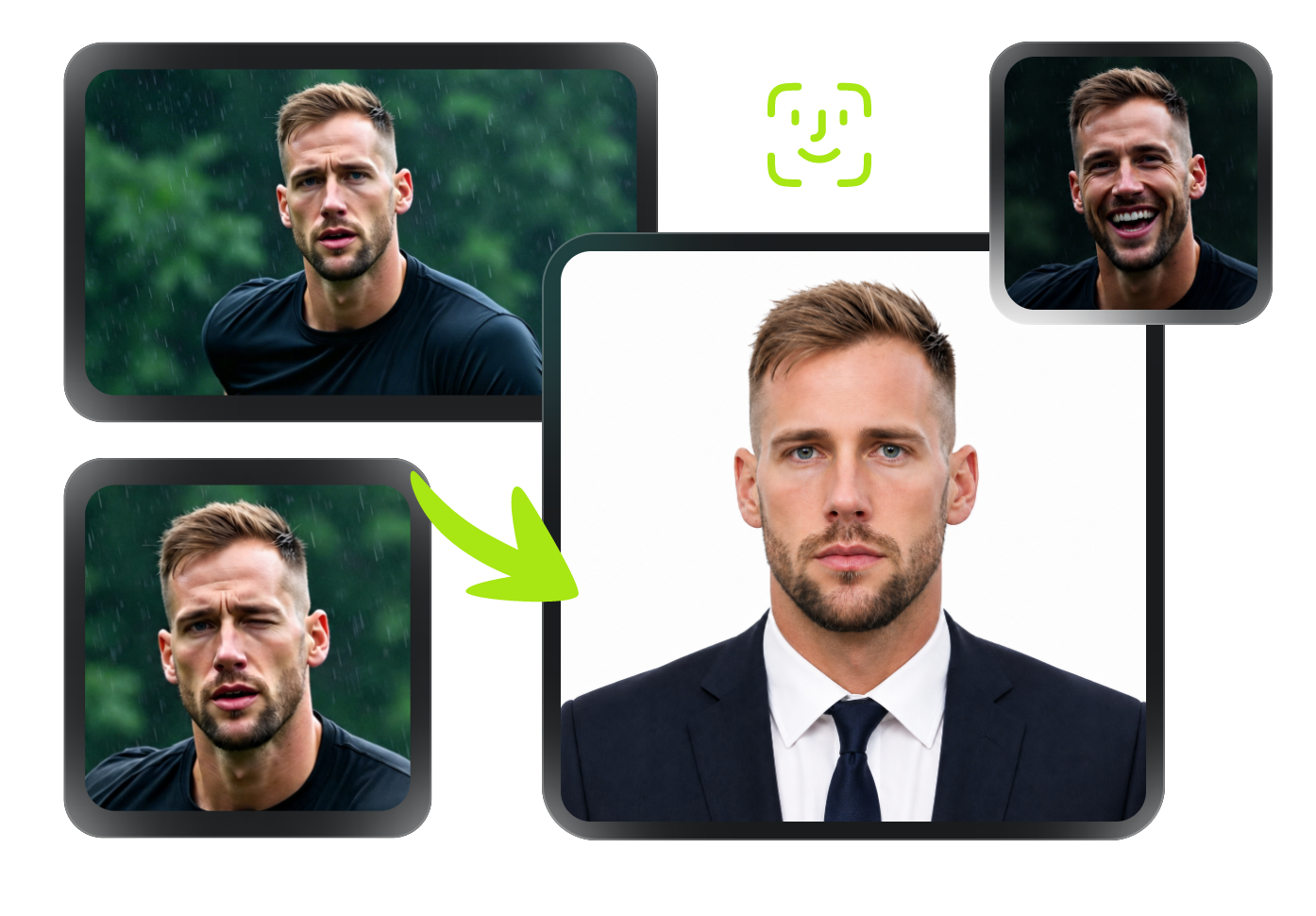
Fix Facial Expression
Following the most strict passport photo rules, Vidmud retouches your facial expressions into a neutral face that meets official requirements while still looking like you. There is no smiling or pursing of lips, closed or squinting eyes, frowning or scowling, or any micro-expressions.
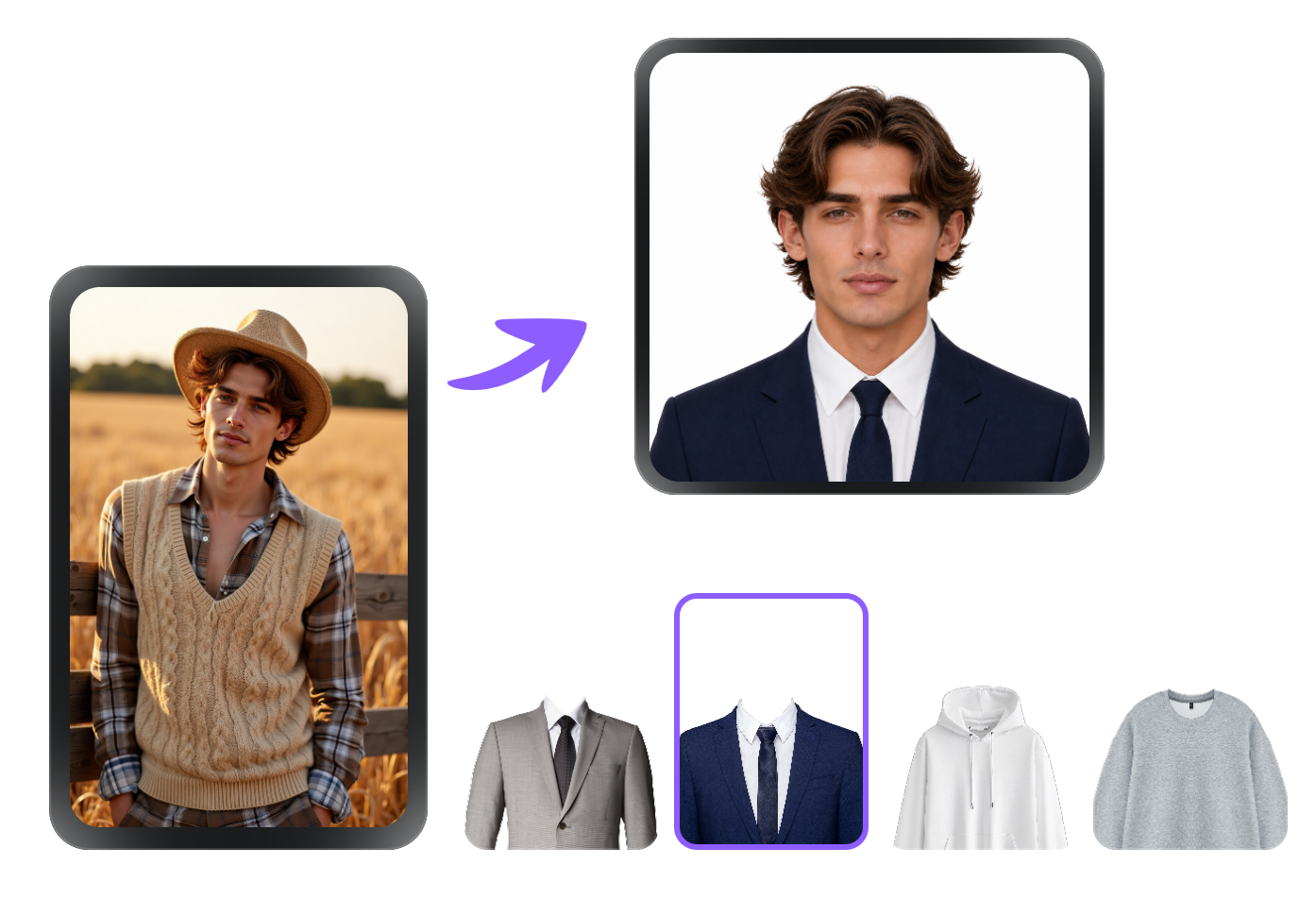
Change Outfit
Wearing pajamas? Got lint balls, stains, or wrinkles on your shirt? Dressed in a costume? No need to change. Vidmud free ID photo maker offers clothes style options, from formal and business casual to everyday. Tap to replace your outfit with a clean, photo-appropriate look in seconds.
Supported ID Photos That Meet Official Requirements
Ensure your ID photos meet strict official standards for authenticity. We highly recommend verifying the latest specific requirements via travel.state.gov (US) or gov.uk (UK). Always consult authoritative official sources to guarantee your ID photos remains fully compliant.
US Passport 2x2 inch
(51 x 51 mm)
In color
Head height: 25-35 mm
(50-69%)
No glasses
 Official Standard
UK Passport
35x45 mm
In color
Head height: 29-34 mm
No glasses
Official Standard
Spain Passport (Standard)
30x40 mm
In color
Head height: ~70%
Allow glasses
Official Standard
Japan Passport
35x45 mm
In color
Head height: 32-36 mm
No glasses
Official Standard
UK Passport Online Applications
35x45 mm
In color
Head height: 29-34 mm (750x1050 px)
No glasses
Official Standard
Spain Passport (Small)
26x32 mm
In color
Head height: ~70%
Allow glasses
Official Standard
Spain Passport (Large)
40x53 mm
In color
Head height: ~70%
Allow glasses
Official Standard
US Visa 2x2 inch
51 x 51 mm
In color
Head height: 25-35 mm
(50-69%)
No glasses
Official Standard
UK Visa
35x45 mm
In color
Head height: 29-34 mm
No glasses
Official Standard
Japan Visa (Square)
45x45 mm
In color
Head height: 27-35 mm
Allow glasses
Official Standard
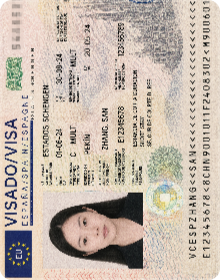
Spain Visa (Schengen)
35x45 mm
In color
Head height: 32-36 mm
Allow glasses
Official Standard
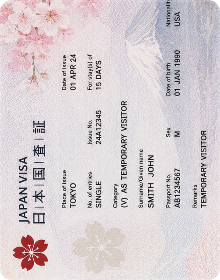
Japan Visa (Standard)
35x45 mm
In color
Head height: 32-36 mm
Allow glasses
Official Standard
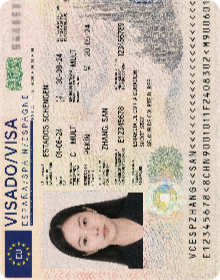
Spain Visa (US Size) 2x2 inch
(51x51 mm)
In color
Head height: 25-35 mm
Allow glasses
Official Standard
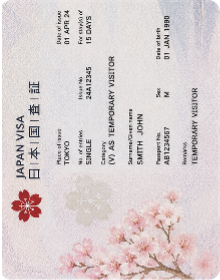
Japan Visa (US Size) 2x2 inch
(51x51 mm)
In color
Head height: 25-35 mm
Allow glasses
Official Standard
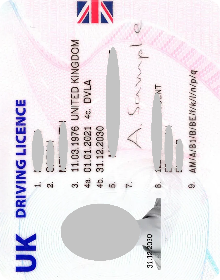
UK Driving License
35x45 mm
In color
Head height: 29-34 mm
Allow glasses
Official Standard
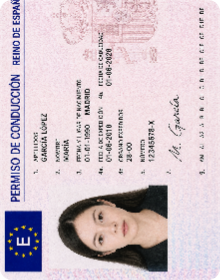
Spain Driving License
26x32 mm
In color
Head height: ~70%
Allow glasses
Official Standard
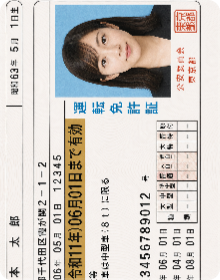
Japan International Driving License
40x50 mm
In color
Head height: 32-36 mm
Allow glasses
Official Standard
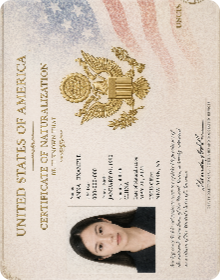
US Citizenship 2x2 inch
(51 x 51 mm)
In color
Head height: 25-35 mm
No glasses
Official Standard
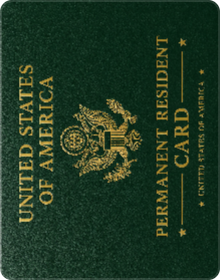
US Green Card 2x2 inch
(51 x 51 mm)
In color
Head height: 25-35 mm
No glasses
Official Standard
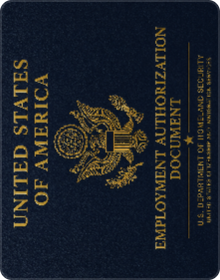
US Employment (EAD) 2x2 inch
(51 x 51 mm)
In color
Head height: 25-35 mm
No glasses
Official Standard
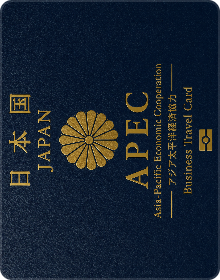
Japan APEC Card
45x45 mm
In color
Head height: 27-35 mm
Allow glasses
Official Standard
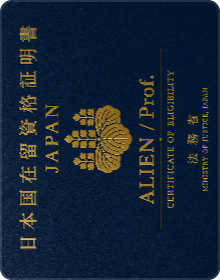
Japan Alien/Prof.
45x45 mm
In color
Head height: 27-35 mm
Allow glasses
Official Standard
Spain ID Card
26x32 mm
In color
Head height: ~70%
Allow glasses
Official Standard
Passport Photo Vs. ID Photo—What's the Difference?
A passport photo is technically a type of ID photo, but its requirements are far more stringent. It requires all your features to be precisely captured by computer algorithms, while ID photos just hope you look neat, professional, and preferably a bit approachable.

| Comparison Aspect | Passport Photo | General ID Photo |
|---|---|---|
| Purpose | International travel & biometric verification | Local identification, access control, onboarding, examination, or driving |
| Strictness | Extreme and set by federal and International law(ICAO) | Moderate and set by local states, schools, companies, etc. |
| Size | US: 2x2 inches, EU: 35x45 mm | 1-inch, 2-inch, or customized according to the shape of the card |
| Background Color | Plain white or off-white | White, blue, red, and gray, even accept slight gradients |
| Facial Expression | Only accept strictly neutral face, open eyes, and closed mouth | A natural or slightly smiling facial expression |
| Accessories | No glasses or hat but religious headwear and medical headgear recognized by law are excluded | Glasses are allowed if there is no glare, obstruction, or tint; usually no hat |
| Attire | No white coat, uniform, camouflage, strapless, or low collar | Casual clothes but not the same color with the background color |
How to Take a Good Passport Photo
(Official Requirements Included)
Already using Vidmud AI's free ID photo maker? Feel free to skip ahead. Otherwise, read on for practical shooting tips to help you capture a photo that meets state department requirements, whether it's for a passport, visa, student ID, green card, driver's license, work permit, or more.
Take a Compliant US Passport Photo for Example
General
- Head Size: 1-1 3/8 inches (25-35 mm)
- Format: JPEG (.jpg)
- File Size: 54KB - 240KB
- Background: plain white or off-white
- Quality Photo: no shade, blur, or visible pixels
- Clothing: normal street attire
Online Use
- Photo Size: 600 x 600 pixels to 1200 x 1200 pixels
Printable
- Photo Size: 2 x 2 inches (51 x 51 mm)
- Resolution: at least 300 DPI
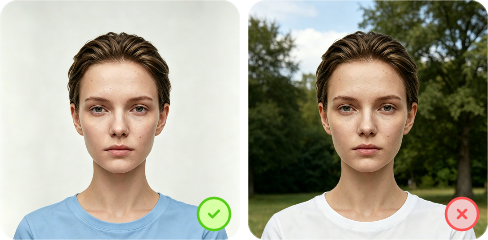
Choose a Clean Background
Find a solid, plain white or off-white surface like a flat wall or a smooth curtain as your backdrop. Make sure it's completely wrinkle-free and evenly lit, with no visible objects, patterns, shadows, or gradients allowed.
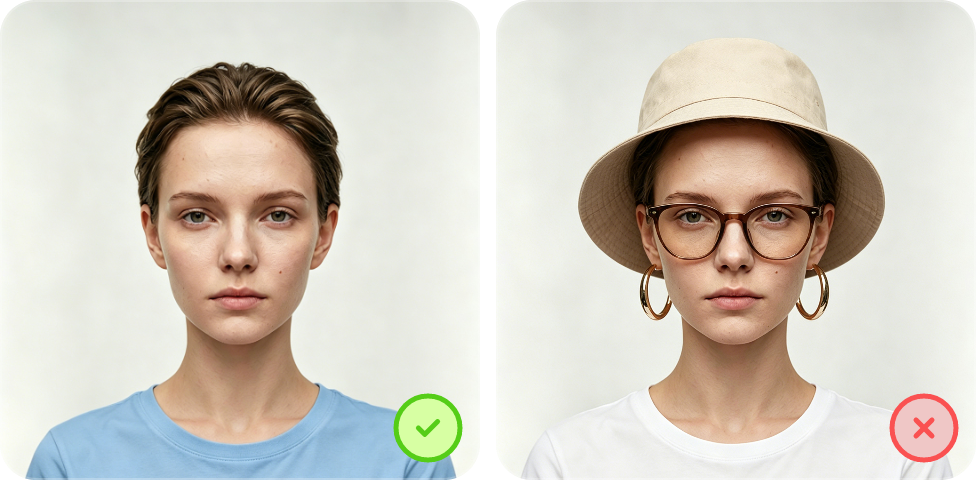
Remove Accessories
Take off anything that may obscure your facial features—glasses, hats, heavy earrings, or statement necklaces. If the nose rings, lip studs, or brow piercings that cause glare or cover features may trigger a biometric failure.
Avoid Shadow and Bad Lighting
Ensure even, diffused lighting across your entire face, for which natural light works best. If using artificial light, position it in front of you, slightly above eye level.
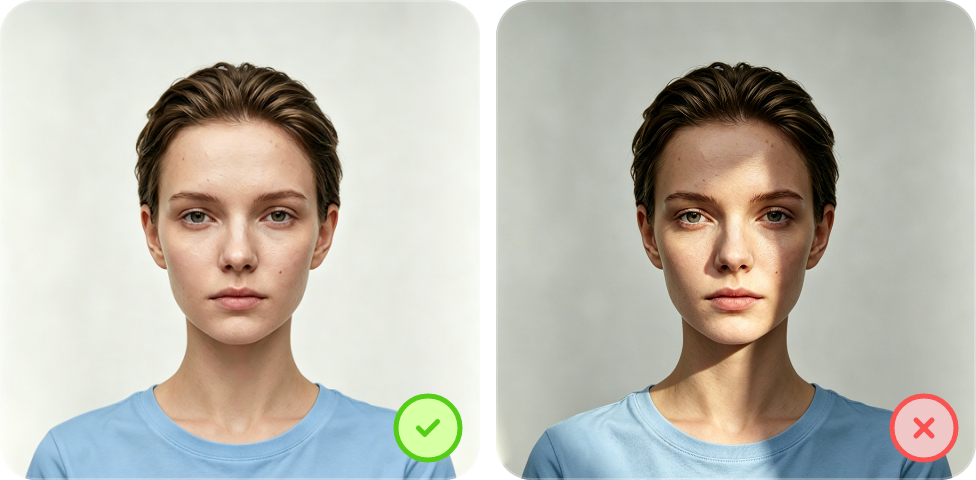
Keep Head and Body Straight
Stand tall, face the camera directly, and keep your eyes level with the lens. Meanwhile, tuck your chin in slightly, keep your mouth closed, and let your shoulders relax naturally.
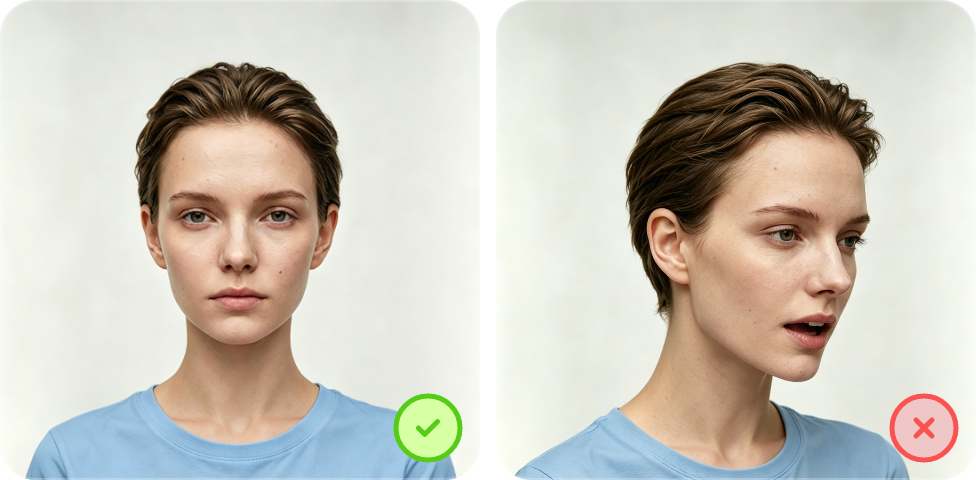
Maintain a Neutral Facial Expression
Relax your face completely. No smiling, frowning, or squinting and keeping a calm, neutral expression.
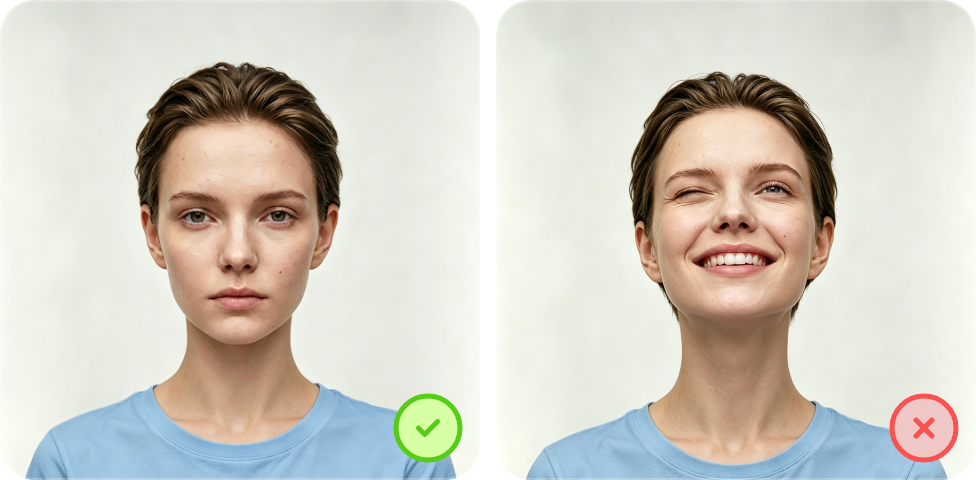
Pay Attention to the Distance
Using a front-facing camera? Stay 16–20 inches (40–50 cm) away. With a rear camera, keep a distance of 4–6 feet (1–2 meters) and have someone else take the shot for best results.
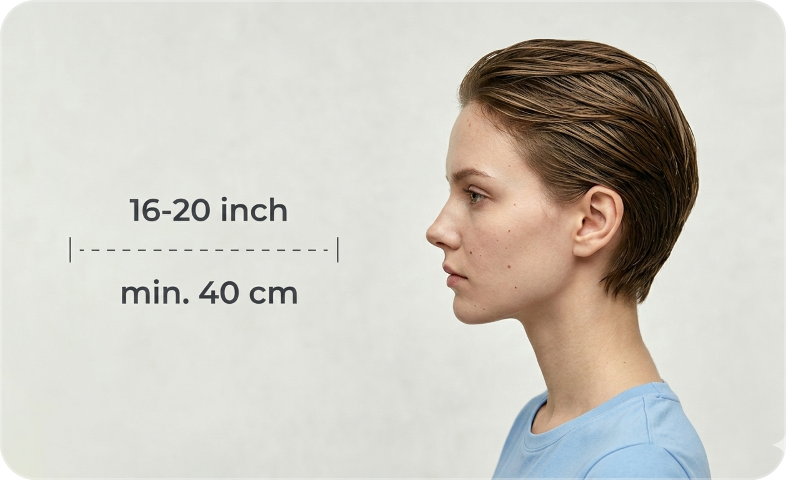
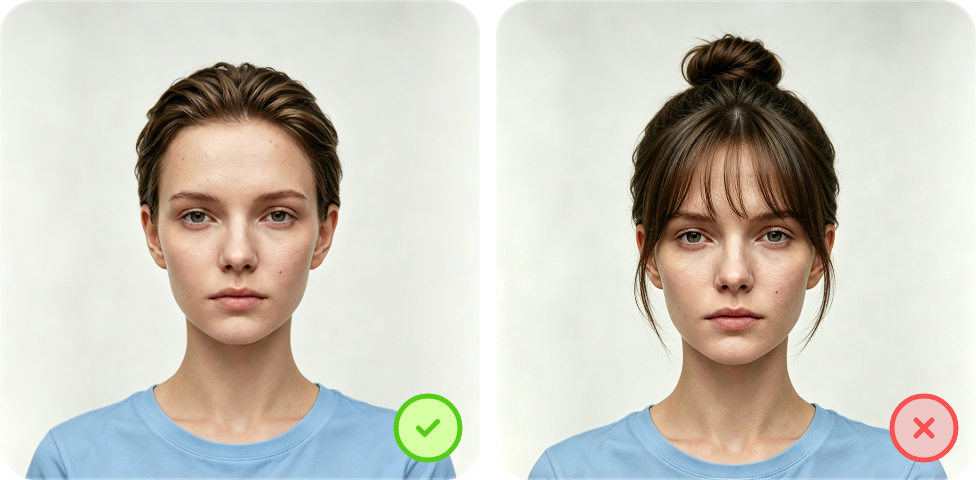
Make the Hairstyle Simple
Skip high buns or topknots. Keep bangs off your eyes, and make sure side hair doesn't cover your face or jaw outline.
FAQs About Making Passport-Sized Photo with AI
A passport photo maker is a tool that creates compliant passport photos from casual selfies, portraits, or even a single person’s screenshot out of a group photo. It may correct the framing, head size and pose, background, facial expression, hairstyle, and attire and remove glasses, but it keeps you as you.
Yes. It offers 100% free passport photo and other ID photo generations. No subscriptions, no hidden fees, and no account required. Simply upload your photo, make your selections, and download your perfect official standard passport photos at no cost.
Don't worry if your photo isn't perfect. Vidmud free AI ID photo maker is built to correct common issues like lighting, background, cropping, etc., automatically. Just import a photo in JPG, PNG, or WebP format, no more than 10 MB, and the pixels are between 300 and 3840 px. Also, it’s better to be taken at eye level.
Your privacy is anonymous in protection. The uploaded photos are used solely for processing your ID photo and are not stored, shared with third parties, or used for model training and any other purpose. For full details, please refer to our Privacy Policy.
Once you download the finished free passport photo, you can print it at home or at any photo printing service (such as Walgreens, CVS, or FedEx). Your photo is exported at high resolution to ensure it prints sharply and clearly at the standard passport photo print sizes like 2×2 inches (US) or 35×45mm (UK/EU). Be sure to select the correct print size at the print counter.
Make your free passport-sized photo compliant by starting with selecting the right settings. When using Vidmud AI, make sure to:
1.Choose your country from the dropdown menu
2.Select the correct ID photo type (passport, visa, driver's license, etc.)
From there, Vidmud AI automatically applies that country's official size requirements, including head size, face positioning, and resolution standards. Also confirm the background color, like choosing plain white for a passport photo. Since requirements vary significantly from country to country, selecting the correct combination is the most important step to ensuring your photo is fully compliant before you submit it.